
Before ordering brochure printing, decide what your business brochure needs to tell readers and what they should do next. A brochure can contain all the right information and still be awkward to read. The cover may make a useful promise, but opening it reveals a dense company history. The contact details might be tucked inside while the back cover repeats a slogan. These are planning problems that can be caught before layout begins.
Start by giving each face of the brochure one job. Then fold a paper dummy and check the sequence in your hands. That simple exercise makes it easier to decide what belongs on the cover, what readers need next and what they should do when they finish.
Choose the brochure’s purpose before the fold
Write down who receives it, where they receive it and the question it should answer. A brochure handed out after a sales conversation can support details already discussed. One sitting in a rack needs a cover that makes sense without an introduction.
Pick one main next step, such as planning a visit, requesting an estimate or choosing a service. The brochure can include supporting contact details, but several equally prominent instructions compete for limited space. A complete service catalog may need a booklet instead of smaller type squeezed into six faces.
Understand the difference between panels and reading order
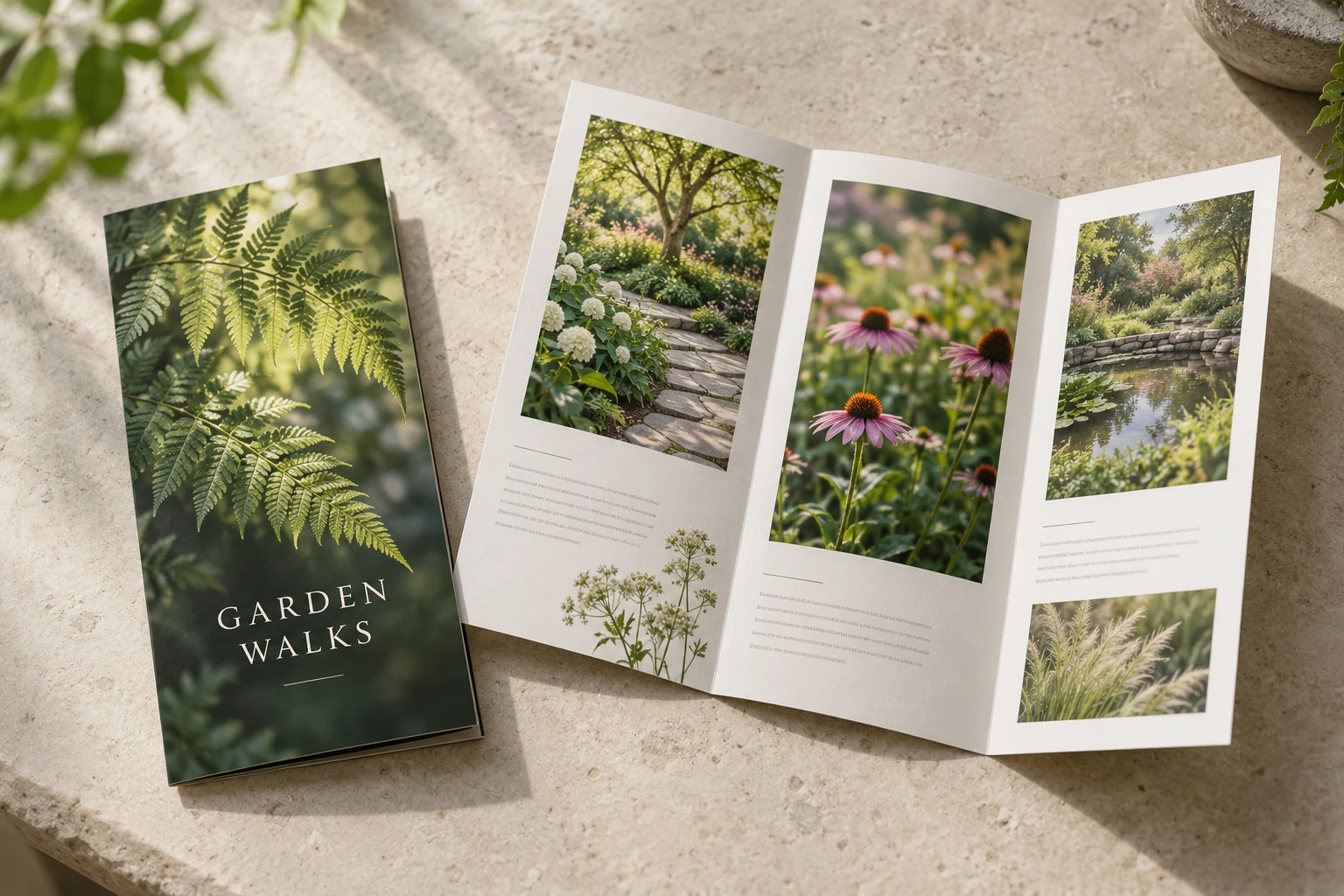
A bi-fold has two panels on each side, creating four faces. A tri-fold has three panels on each side, creating six faces. The reader does not encounter those faces in the same order as a flat artwork file.
For a conventional letter-fold brochure, a flap tucks inward before the cover closes. A Z-fold opens differently. Do not copy a panel arrangement from an unrelated template simply because both finished pieces have six faces.
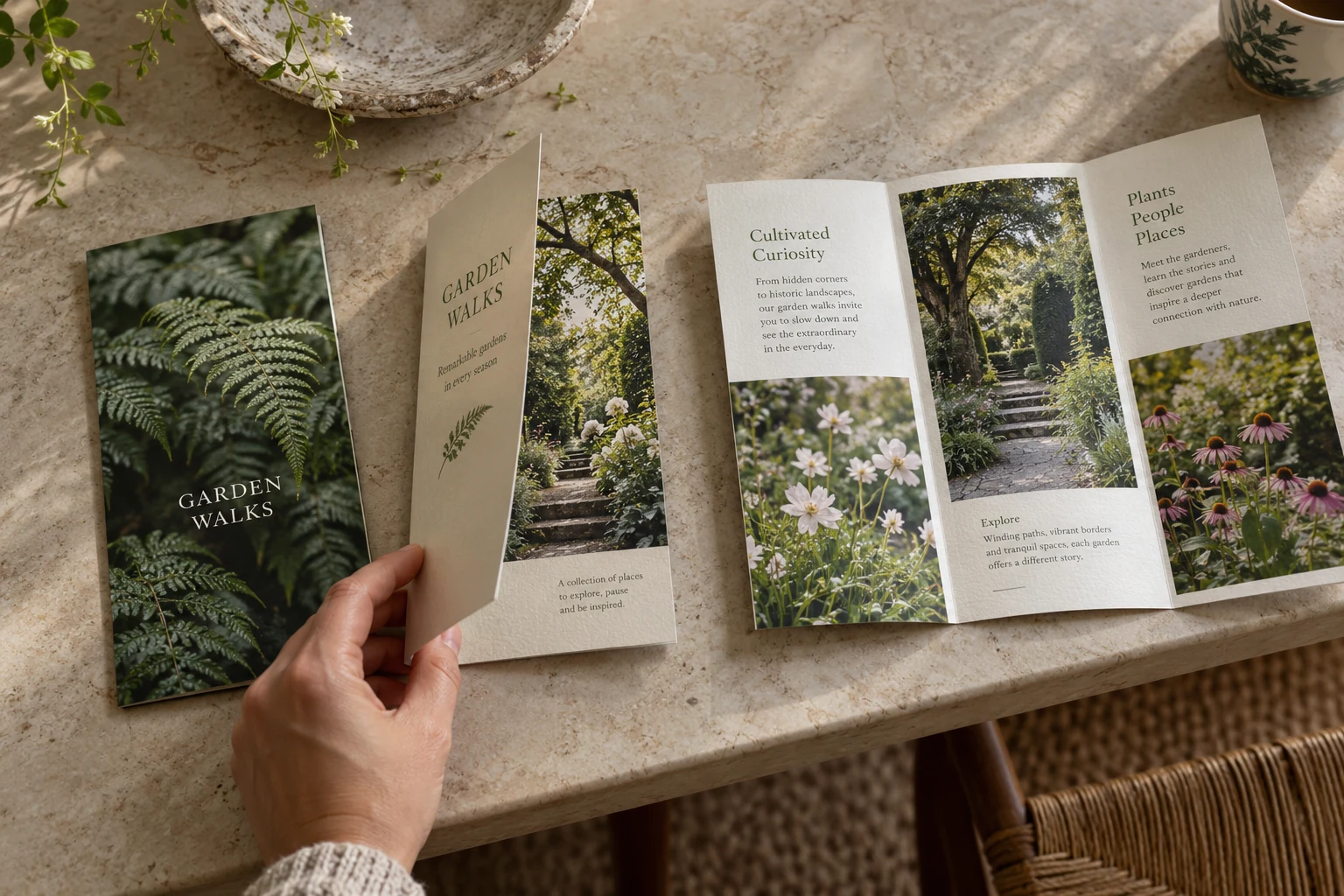
Ask the printer for the template for the exact flat size, fold and stock. Some letter-fold templates use a narrower tuck-in panel. Hopkins Printing’s folding templates illustrate that adjustment. The actual supplied template should control your layout; dividing every sheet into equal thirds can give the folding equipment the wrong geometry.
Build a six-face content map
Here is a useful starting point for a service or visitor brochure. These are content roles, not instructions about which side of a press sheet they occupy:
- Cover: explain the offer and who it helps. Use one image that supports that promise.
- Opening flap: orient the reader. Answer an early question or introduce a small number of choices.
- First inside face: describe the most important service, feature or experience.
- Middle inside face: supply the practical detail people need to compare options or plan.
- Last inside face: add relevant proof, a useful example or answers to likely concerns.
- Back: make the next step easy to find, with current contact details and a clear destination.
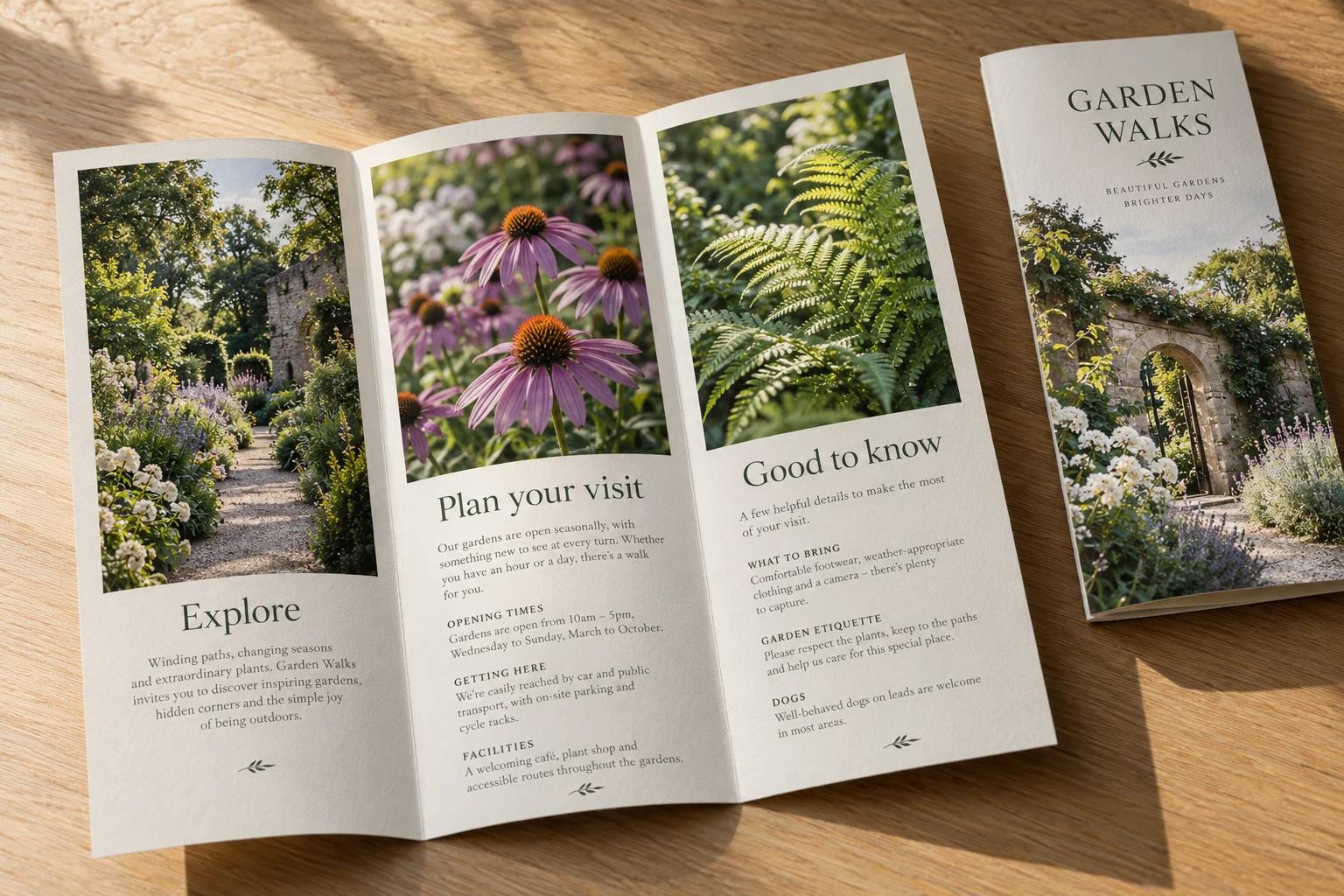
For the garden concept shown here, visitors would need accurate opening times, route information and access details. For a contractor, the same space might explain the work offered, what to prepare for a site visit and which photographs to send with an inquiry. The structure stays useful when the content changes.
Edit to the space before shrinking the type
Draft short headings and plain-language paragraphs before designing. Give each face a rough content allowance based on the actual size and images. There is no universal word count: a compact handout, a large foldout and an image-led brochure have different needs.
Remove repeated promises and facts that do not help the reader decide. Replace a long service list with a few meaningful groups. Use a photograph because it explains the work, setting or result, and make sure you have permission to use it. Avoid unsupported testimonials or performance claims added merely to fill a panel.
Check the folds, trim and export together
Keep essential text and logos clear of the fold and trim zones specified by the printer. A fold through a photograph may be intentional; a fold through small contact text is usually frustrating. Ask whether the selected stock needs scoring and which finishing options are available for that product. 4over’s brochure specifications, for example, distinguish fold and scoring options by product.
Follow the supplier’s requested bleed, color setup, image-resolution and PDF-export settings. Those requirements depend on the job. A generic “print-ready” preset is not a substitute for the production specification.
Review a physical dummy before approving print
- Print both sides and fold the mockup in the intended direction.
- Check the cover, first opening, inside spread and back separately.
- Read the smallest text at the finished size.
- Check phone numbers, spelling, URLs, dates and any offer restrictions.
- Test the QR destination on a phone, if one is included.
- Confirm the final file version, quantity, paper, fold and delivery date together.
The business-card reorder checklist offers a related approach to checking names, links and versions. Those same small details can outlast the brochure’s design.
When requesting printing services, send the content, intended use and preferred folded size. A marked paper dummy is helpful too. It shows how the brochure should open and lets the printer flag a fold or production issue before the layout is finished.
Images: AI-generated concepts for fictional businesses, not completed customer projects.